Overview
The Settings is the gateway to creating records that are used in other modules, and may not be modified frequently.
From the Settings modules, the following features are available:

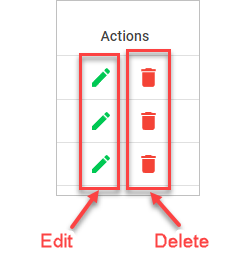
There is a Actions group with Edit and Delete icons within all features that have tables to display records. These are used to invoke the edit and delete operations.
Error
Usually when a feature under theSettings in linked with other features in different operations, the records cannot be deleted.
To delete such a record, you must trace wherever you associated such records and delete from the child records before the parent record can be deleted.